Native panels & standalone apps for —

PrPremiere ProADOBE
AeAfter EffectsADOBE
PsPhotoshopADOBE
DrDaVinci ResolveBLACKMAGIC
FcFinal Cut ProAPPLE

Stop subscribing.
Own your tools.

One-time-purchase extensions for Premiere Pro, After Effects, Photoshop & DaVinci Resolve. Pay once, keep it forever. Bring your own AI keys. Nothing phones home unless you tell it to.

01

One-time purchase

Pay once and it's yours. No expiry, no auto-renew, no "your license could not be verified." Updates within a major version are free.

02

Local whenever possible

Whenever possible, AI models run locally on your own machine — no server round-trip, no usage meter. When a job truly needs the cloud, you pick the model and bring your own key.

03

Bring your own AI

Plug in your own Claude, OpenAI or Grok key. You pay the model provider directly at cost — we don't middleman it, mark it up, or resell you "credits."

04

Inside your tools

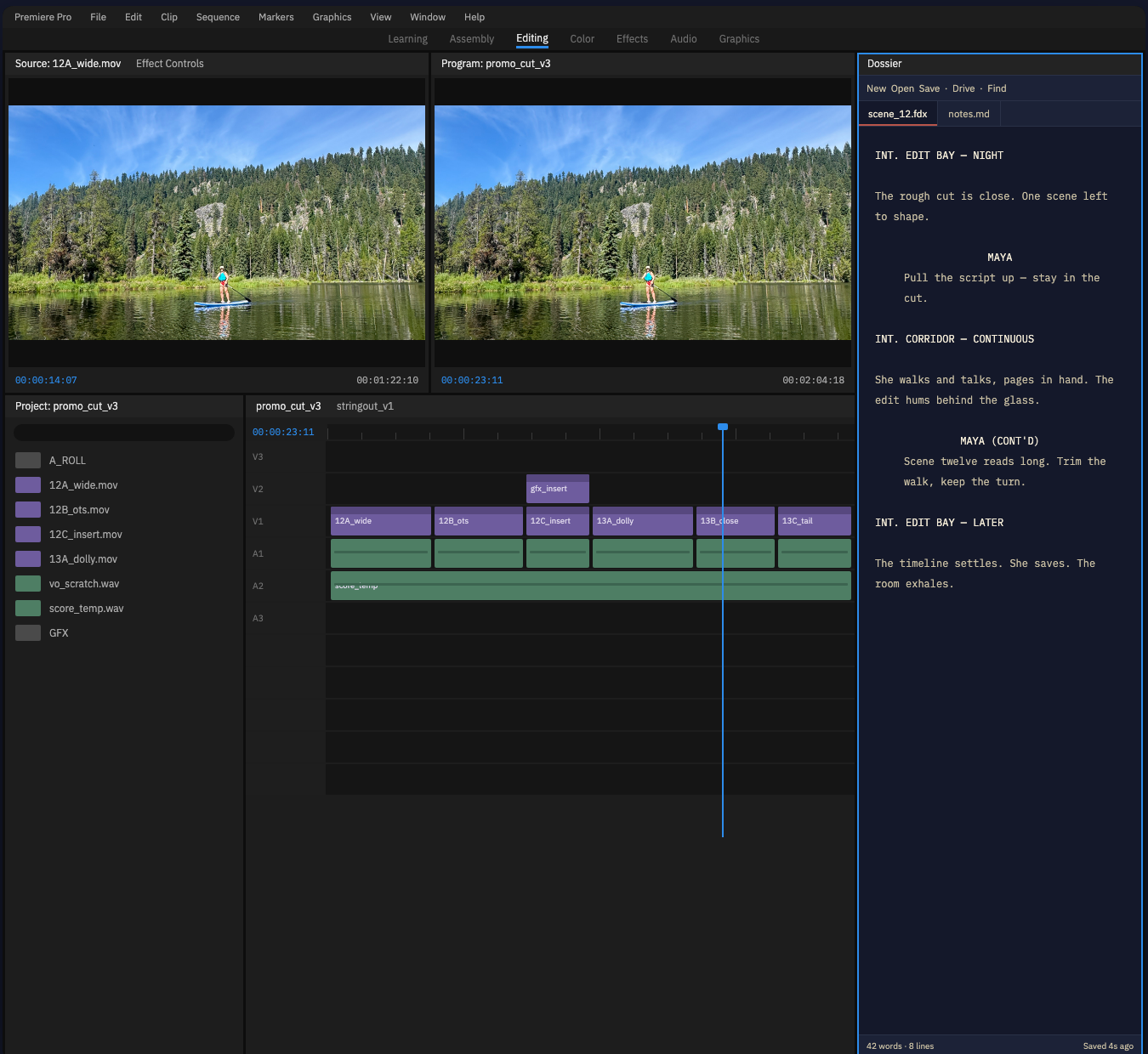
Native panels for Premiere Pro, After Effects, Photoshop, Resolve and Final Cut Pro — plus standalone apps where a plugin would only get in the way.

01

Software you use every day shouldn't rent itself back to you.

02

A plugin is a tool, not a turnstile.

03

"The cloud" is just someone else's computer — with your invoice attached.

04

Local-first isn't nostalgia. It's leverage.

05

Your API keys are yours. We never sit between you and the model.

06

We work inside the corporate apps. We just refuse to bill you like them.

Extension 01 · Premiere Pro · CEP Panel · One-time purchase

Paper Edit

AI-powered paper edits for interview & documentary footage — right inside Premiere Pro. Turn hours of talking heads into a string-out, by topic, in minutes.

[ PLACEHOLDER VIDEO — swap in your YouTube ID ] PLAYS TRACKED: 0
→ INGEST

Transcribe everything

Point it at a bin of interviews. It transcribes, aligns every word to a timecode, and indexes the whole shoot — locally where it can.

→ EDIT

Paper-edit by prompt

Ask for the soundbites you need in plain language. Paper Edit finds the phrases, maps them back to word-level timecodes, and assembles a sequence.

→ ASSEMBLE

Real sequences, not exports

It builds an additive, per-track sequence inside Premiere — clips on the timeline, ready to trim. No round-trip, no proprietary file.

→ CHOOSE

Your model, your call

Run Claude, OpenAI, Gemini or Grok with your own key — or a local model for sensitive footage that should never leave the building.

// Bring your own keys
Paper Edit never resells you AI credits. Paste in your own provider key once; usage bills to your account at their price. Prefer to stay fully offline? Point it at a local model and nothing leaves your machine.
$79One-time · perpetual license

No subscription. No "AI credits." Free updates within v1. $29/mo like everyone else.

Is this a subscription?
No. You pay once and own this version forever. That's the entire point of the company.
Do I have to pay for AI on top?
Only if you use the AI features, and you pay your provider directly with your own key. We take none of it. Or run a local model for free.
What about updates?
Bug fixes and improvements within v1 are free. A future v2 with major new capability may be a separate one-time purchase — never a recurring charge.
Does my footage get uploaded anywhere?
Not by us. Transcription and indexing run locally where possible. If you choose a cloud AI model, only the text you send goes to that provider under your own key.
Extension 02 · Premiere Pro · After Effects · DaVinci Resolve · One-time purchase

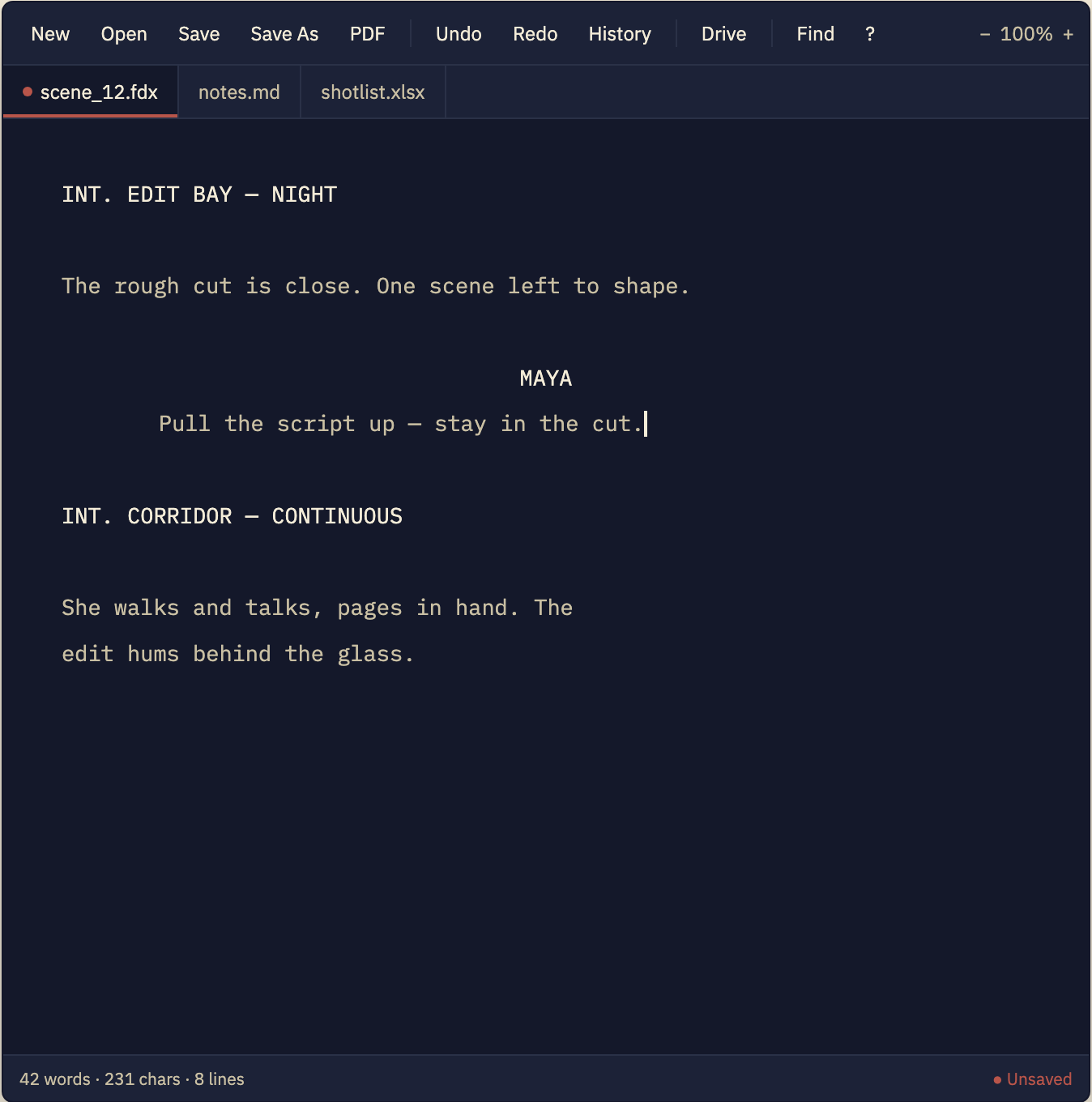
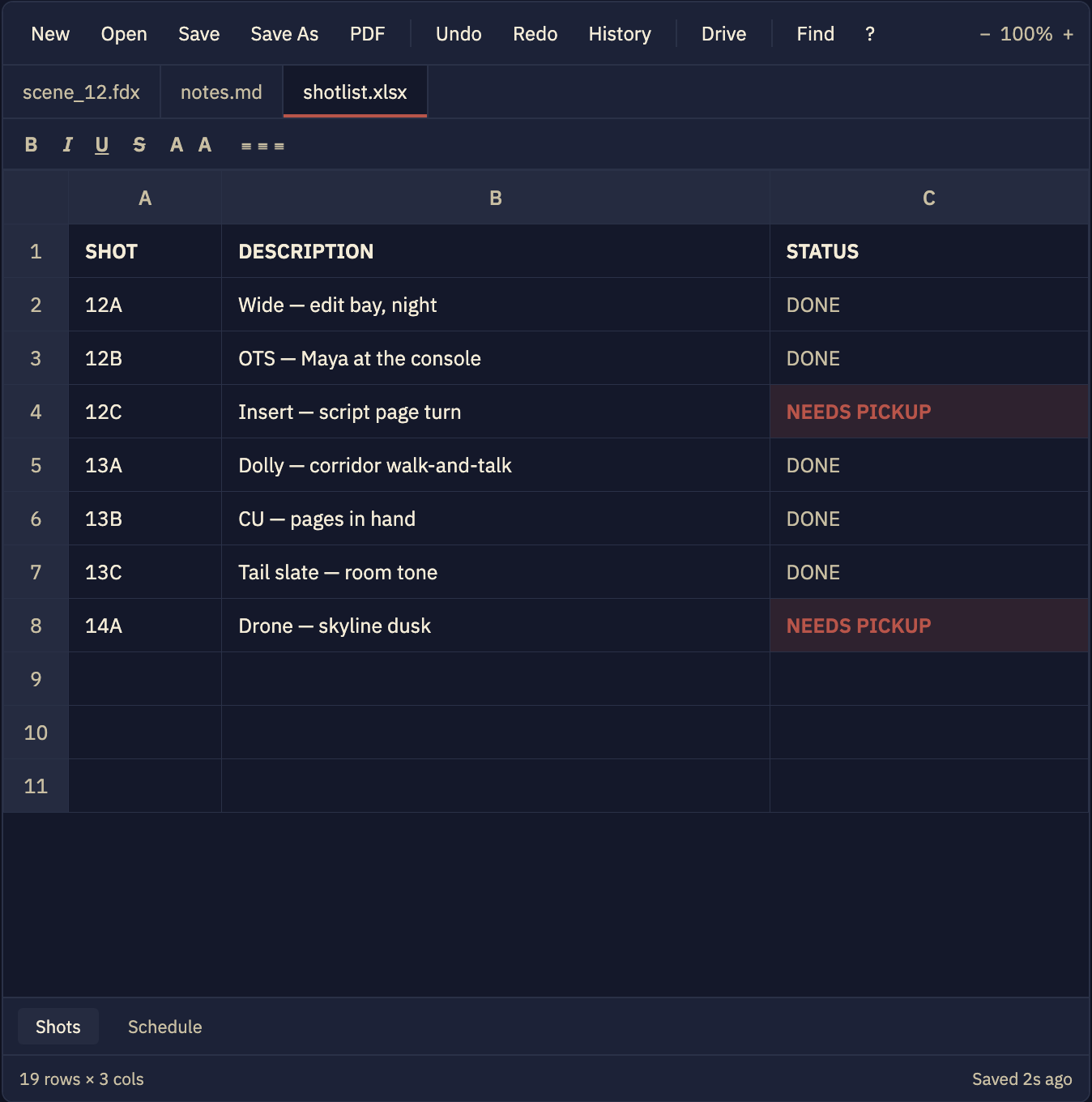
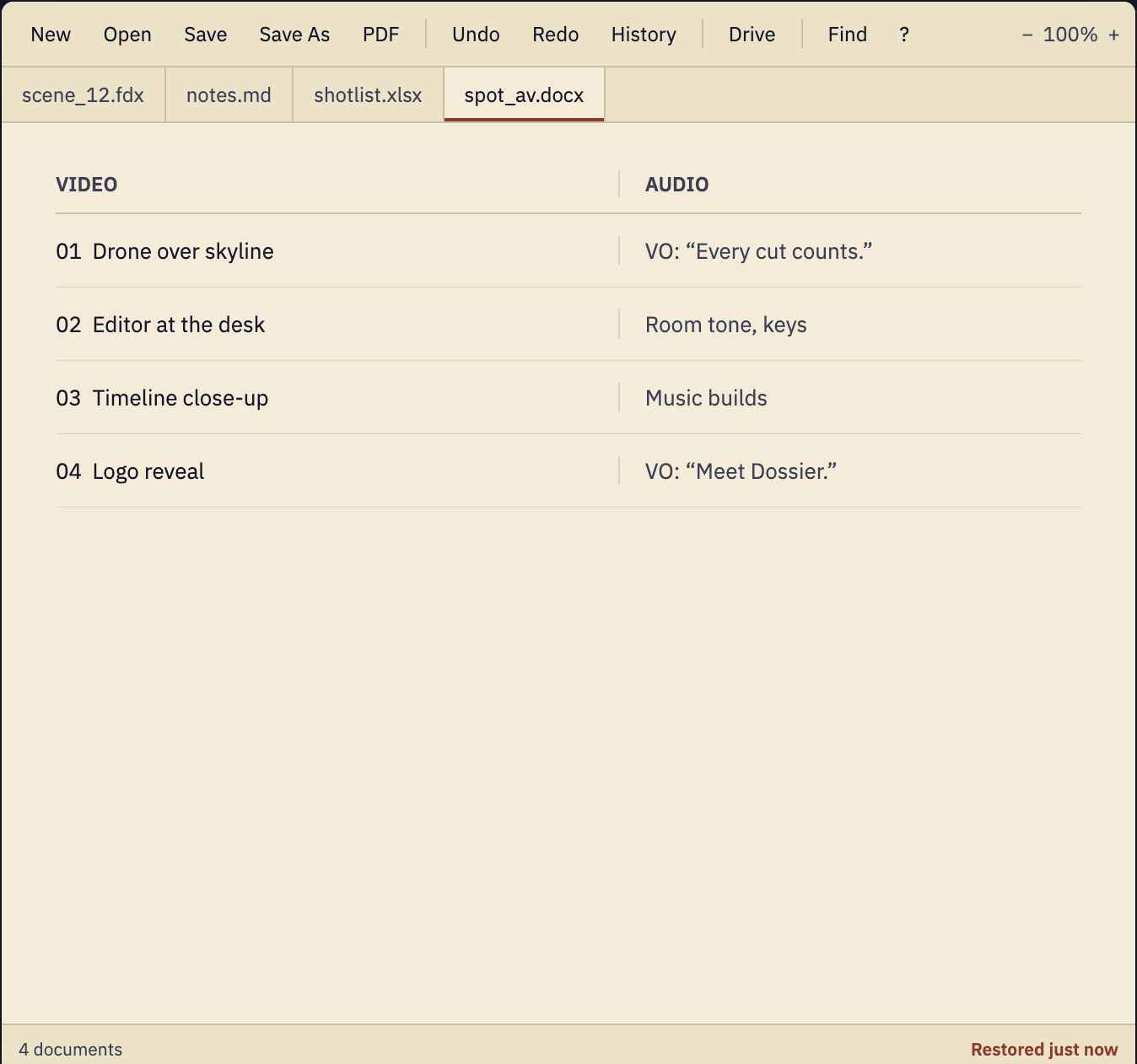
Dossier

Pull every clip, marker and note in your project into one clean, shareable report — without ever leaving your timeline.

[ PLACEHOLDER VIDEO — swap in your YouTube ID ] PLAYS TRACKED: 0
→ COLLECT

Scan the whole project

Gather clips, metadata, markers and notes across every bin and sequence in a single pass — nothing slips through.

→ ORGANIZE

Structured, not a data dump

Group by sequence, bin or tag into a dossier a human can actually read and hand off.

→ EXPORT

One clean report

Output a tidy PDF, HTML or CSV ready for a producer, client or your own archive — formatted, not raw.

→ LOCAL

Stays on your machine

Everything runs locally inside your NLE. Your project data never leaves your computer.

// Stays local
Dossier reads your project on your own machine and writes the report straight back to disk. No upload, no account, no cloud round-trip — your edit notes stay yours alone.
$49One-time · perpetual license

No subscription. No seats. Free updates within v1. Reporting tools shouldn't be a monthly bill.

Is this a subscription?
No. Pay once and own this version forever. That's the entire point of the company.
Which apps does it run in?
Premiere Pro, After Effects and DaVinci Resolve. One purchase covers all three.
What formats can it export?
Clean PDF, HTML and CSV reports — pick whichever your producer or pipeline prefers.
Does my project data get uploaded anywhere?
Never. Dossier runs entirely on your machine and writes the report to your own disk.
Extension 03 · Premiere Pro · CEP Panel · One-time purchase

Export All Clips

Batch-export every clip in your sequence as its own file in a single pass. Set it once, hit go, walk away.

[ PLACEHOLDER VIDEO — swap in your YouTube ID ] PLAYS TRACKED: 0
→ SELECT

Every clip becomes a job

Point it at a sequence or a selection and each clip on the timeline becomes its own export — automatically.

→ PRESET

Any preset, zero typing

Choose any Premiere or Media Encoder export preset; every clip inherits it without setting up exports one by one.

→ BATCH

One pass, hands-off

Queue the whole sequence to Adobe Media Encoder and export it all in a single run while you do something else.

→ NAMING

Collision-free filenames

Build names from clip name, timecode or a custom token so nothing ever silently overwrites.

// No clutter
Export All Clips drives Premiere's own export engine — no accounts, no cloud, no AI keys. It's just the batch button Adobe never shipped, working entirely on your machine.
$29One-time · perpetual license

No subscription. No "AI credits." Free updates within v1. A timesaver shouldn't bill you monthly.

Is this a subscription?
No. You pay once and own this version forever. That's the entire point of the company.
Which app does it run in?
Premiere Pro. It hands the actual encoding off to Adobe Media Encoder, just like Premiere does.
Can I use my own export presets?
Yes — any preset available to Premiere or Media Encoder works, applied to every clip at once.
How are the files named?
From the clip name, timecode or a custom token you set — always collision-free, never overwriting.